Your world, always online
Vanilla survival or a giant modpack, online minutes after checkout. Send friends the address, and the world keeps going when you log off.
Java plays on PC and Mac. Bedrock plays on phones, tablets, Xbox, PlayStation, Switch and Windows.
From $4.99 a month, or 3 days for $1.25
- Java and Bedrock
- Modpacks in one click
- Half off your first month
Everything your world needs
Modpacks in one click
Search CurseForge or Modrinth and press Install. The right loader, version and every mod the pack needs come with it.
Backups before the boom
One click backup before an update, a new modpack or that TNT idea. Restore it just as fast.
Phones and consoles too
A Bedrock server takes Xbox, PlayStation, Switch, phones and Windows. A Java server lets Bedrock players in with Geyser.
Bring your world
Upload a single player world, a Realm or a world from another host, and pick up where you left off.
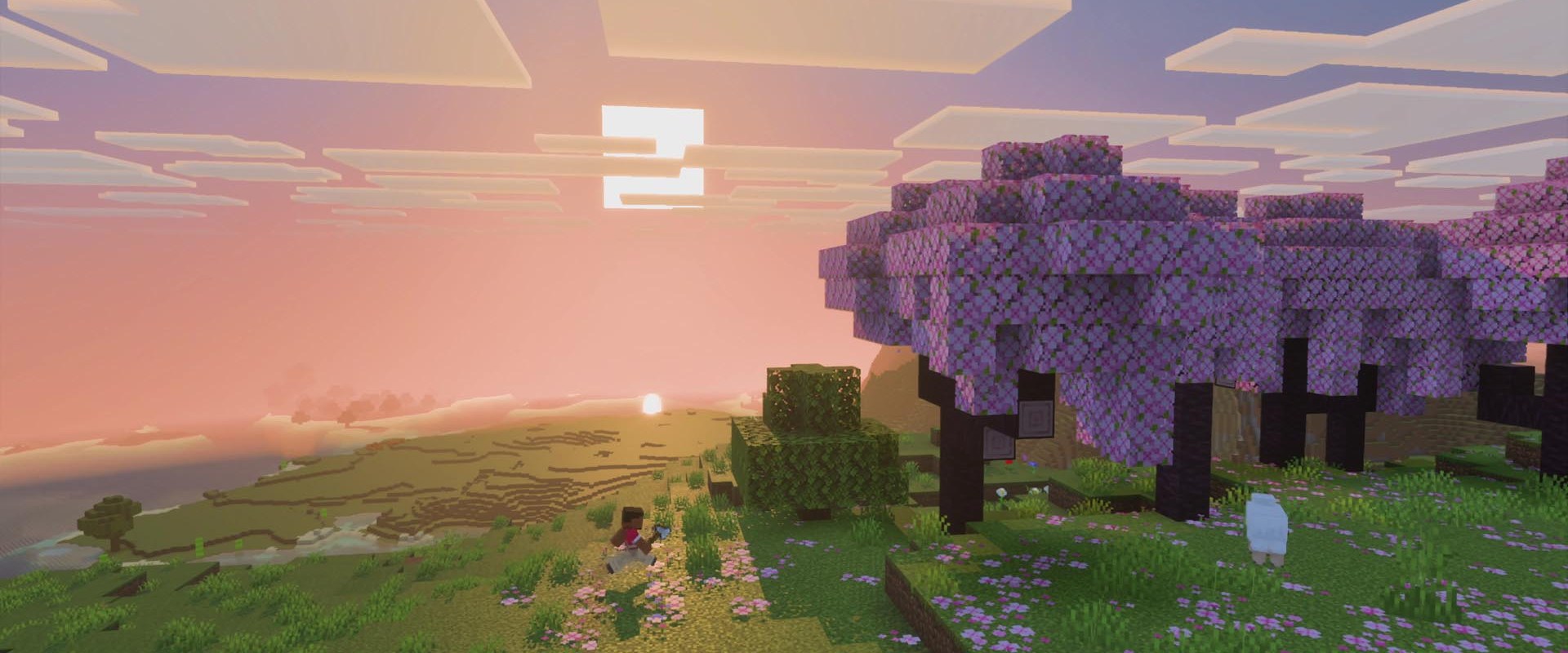
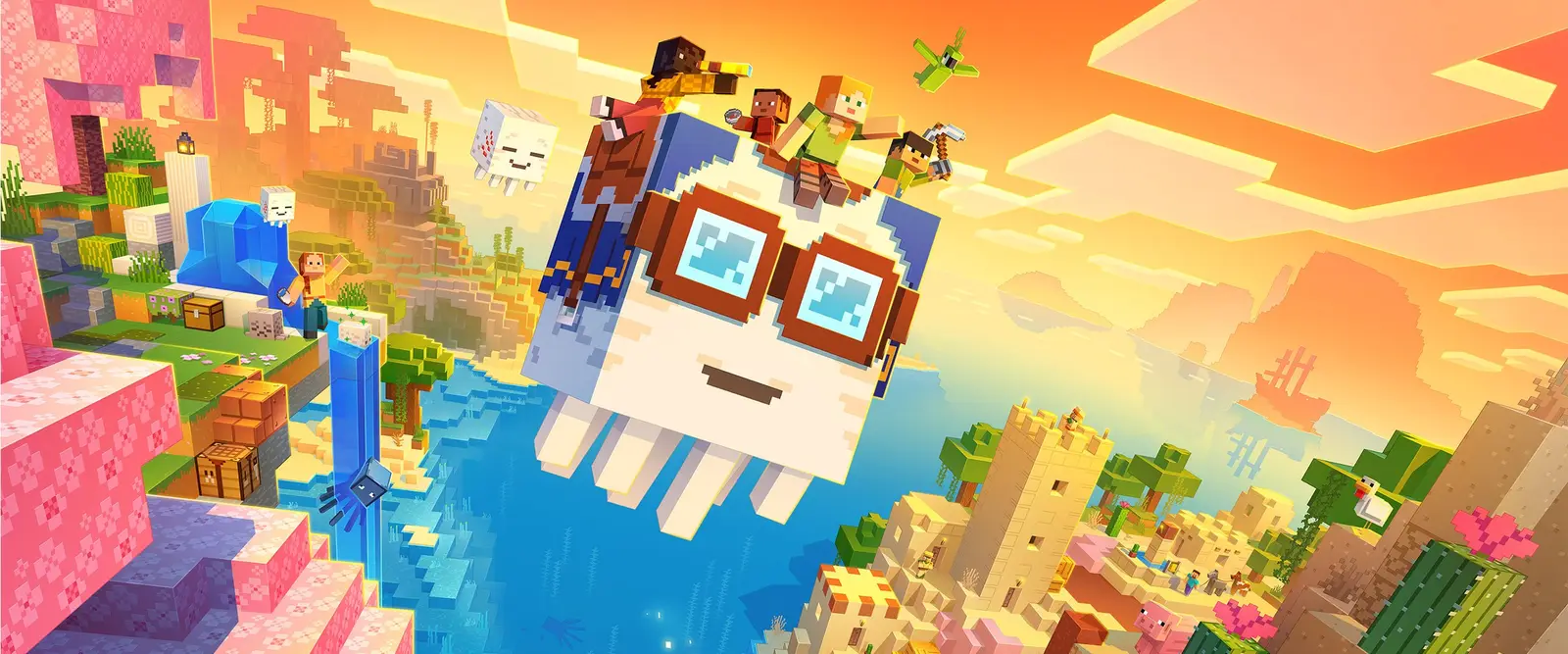
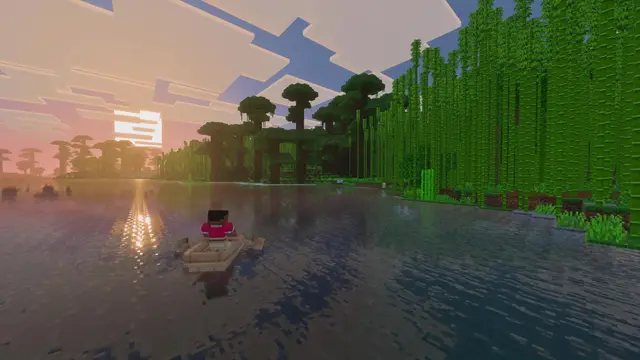
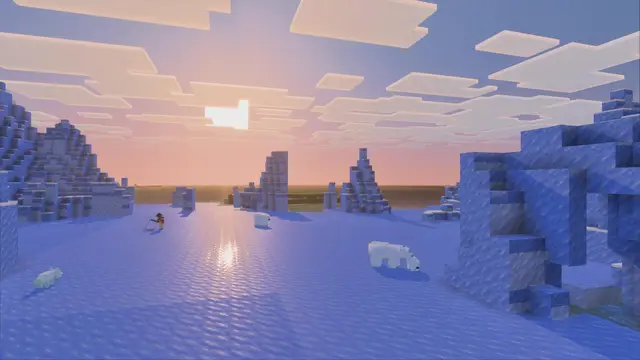
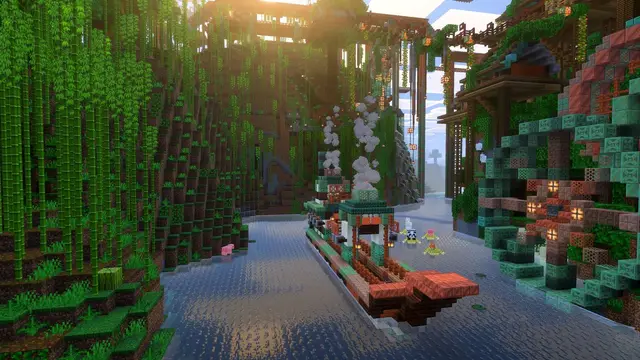
Every biome, one address
Plans and prices
Pick your edition, then your group size. Every plan has the same panel.
Java Edition
PC and Mac. Plugins, mods and modpacks.
Pro
- Light modpack or Fabric mods, up to 10 players
- Big modpack like All the Mods, up to 15 players
Bedrock Edition
Phones, tablets, Xbox, PlayStation, Switch and Windows.
Standard
- Busy survival world or a few add-ons, 10 to 25 players
Pro
- Large explored world, heavy add-ons or 25 to 50 players
Pay monthly, every 6 months or yearly, or rent for 3 days at a quarter of the monthly price. Every plan detail
From checkout to spawn
Pick your edition
Java for PC and Mac, Bedrock for phones and consoles. Standard fits most groups.
Check out
We install the server and start it. Pick Paper, Fabric, Forge or a modpack any time after.
Send the address
Friends paste it into Multiplayer on Java, or Servers on Bedrock, and they are in.
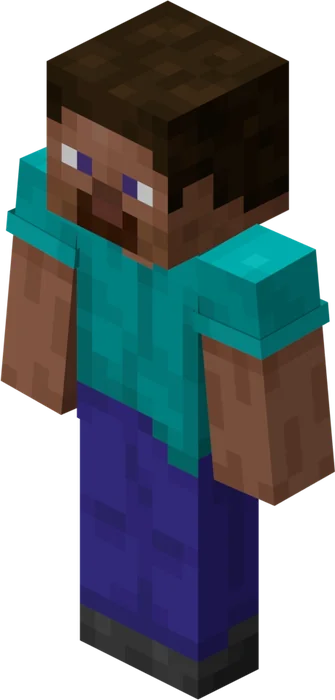
SMPs, families and friend groups
Everything you need to run a world together for months.
- Split the bill with up to 10 friends, each on their own card
- Whitelist and op players from the panel, no commands
- Console friends join a Bedrock server after a one time DNS change
- Friends you add can start the server, edit files and manage mods
Questions players ask us
Java or Bedrock: which Minecraft server do I need?
Pick the edition your group plays. A player can only join a server of their own edition, unless the server bridges the two (see the next question).
- Java Edition runs on Windows, Mac and Linux. It is the edition for plugins, mods and modpacks, and the one most public servers and SMPs use.
- Bedrock Edition runs on Windows, iPhone, iPad, Android, Xbox, PlayStation and Nintendo Switch. It uses add-ons instead of mods and is the only edition consoles can play.
If everyone plays on a PC, pick Java. If anyone plays on a console or a phone, pick Bedrock, or a Java server with Geyser when the PC players want plugins. Our Java and Bedrock crossplay guide covers that setup.
Can Java and Bedrock players play on the same server?
Yes, on a Java server running Paper or Purpur with the Geyser and Floodgate plugins. Geyser translates between the two editions, so Bedrock players on phones, tablets and Windows join the Java world, and Floodgate lets them in with their Microsoft account instead of a Java account.
Install Geyser from the Mods tab in your panel, add Floodgate from geysermc.org, then set Geyser's Bedrock port to the one shown in your panel. Every Java server comes with that extra port. Two limits: Bedrock players cannot see blocks or mobs added by Forge or Fabric mods, so crossplay suits plugin servers, and consoles cannot add a Java server directly. For a group with console players, a Bedrock server is the simpler choice.
How much RAM does a Minecraft server need?
It depends on the edition, the number of players and how many mods you run.
- Java, 2 GB: vanilla or Paper for up to 5 friends.
- Java, 4 GB: Paper with plugins for 10 to 25 players.
- Java, 8 GB: a light modpack, or a big one like All the Mods for up to 15 players.
- Java, 12 GB: a public server or a heavy modpack with a big crowd.
- Bedrock, 2 to 6 GB: Bedrock's server is far lighter, so 2 GB holds a friend group and 6 GB holds up to 50 players.
Memory is what runs out first: every mod, loaded chunk and player adds to it. If the server starts to lag, move up a plan from the dashboard and your world comes with you.
Can Xbox, PlayStation and Switch players join?
Yes, on a Bedrock server. Consoles have no Add Server button, so console players make one change: in the console's network settings, set Primary DNS to ours. Then they open The Hive in the Servers tab, which opens our menu instead, and type your server's join code. The server is saved in that menu, so next time it is one click.
Setting DNS back to Automatic brings the real featured servers back. Phones, tablets and Windows players skip all of this and add the server with its address and port.
How do mods, plugins and modpacks work?
On a Java server, open the Mods tab, search Modrinth or CurseForge and press Install. We pick the version that fits your server and install everything it depends on. Choosing a modpack switches the server to Fabric, Forge or NeoForge for you.
- Plugins (EssentialsX, LuckPerms, GriefPrevention) run on Paper and Purpur, and keep vanilla gameplay.
- Mods add blocks, mobs and dimensions, and need every player to install the same mods. Modpack launchers like CurseForge and Modrinth do that for players.
Bedrock servers use add-ons: behavior packs and resource packs. Upload a world that already has them, or add packs to the world in the Files tab.
Is a server better than a Realm?
A Realm is the simplest way to share a world, but only you and 10 friends can be online at once, you cannot open its files, and a Java Realm does not run plugins or the modpack of your choice.
A dedicated server lets you choose the player limit, install any plugin, mod or modpack, run console commands, open every file and download backups whenever you like. You can move a Realm world over by downloading it and uploading it to the server.
Can friends help pay, and can I cancel?
Yes to both. You can split the bill with up to 10 people. Each person pays an even part of the plan price plus $1 for their share, on their own card, on any billing length.
Cancel at any time from the bottom of the server's control panel. The server runs until the end of the time already paid for. If you are new to GamezServers and it is not for you, email support within the first 10% of the period you paid for, which is 72 hours on a monthly plan, for a full refund of that first payment. The plans page lists every length and price.
Minecraft server guides
Your world is waiting
Online in minutes. Cancel any time from the panel.